WiFi Troubleshooting
WiFi Troubleshooting & Diagnosis.
From slow speeds to dropped connections, our professional WiFi troubleshooting service quickly diagnoses and fixes your connection issues. Enjoy fast, stable, and seamless connectivity backed by expert support.
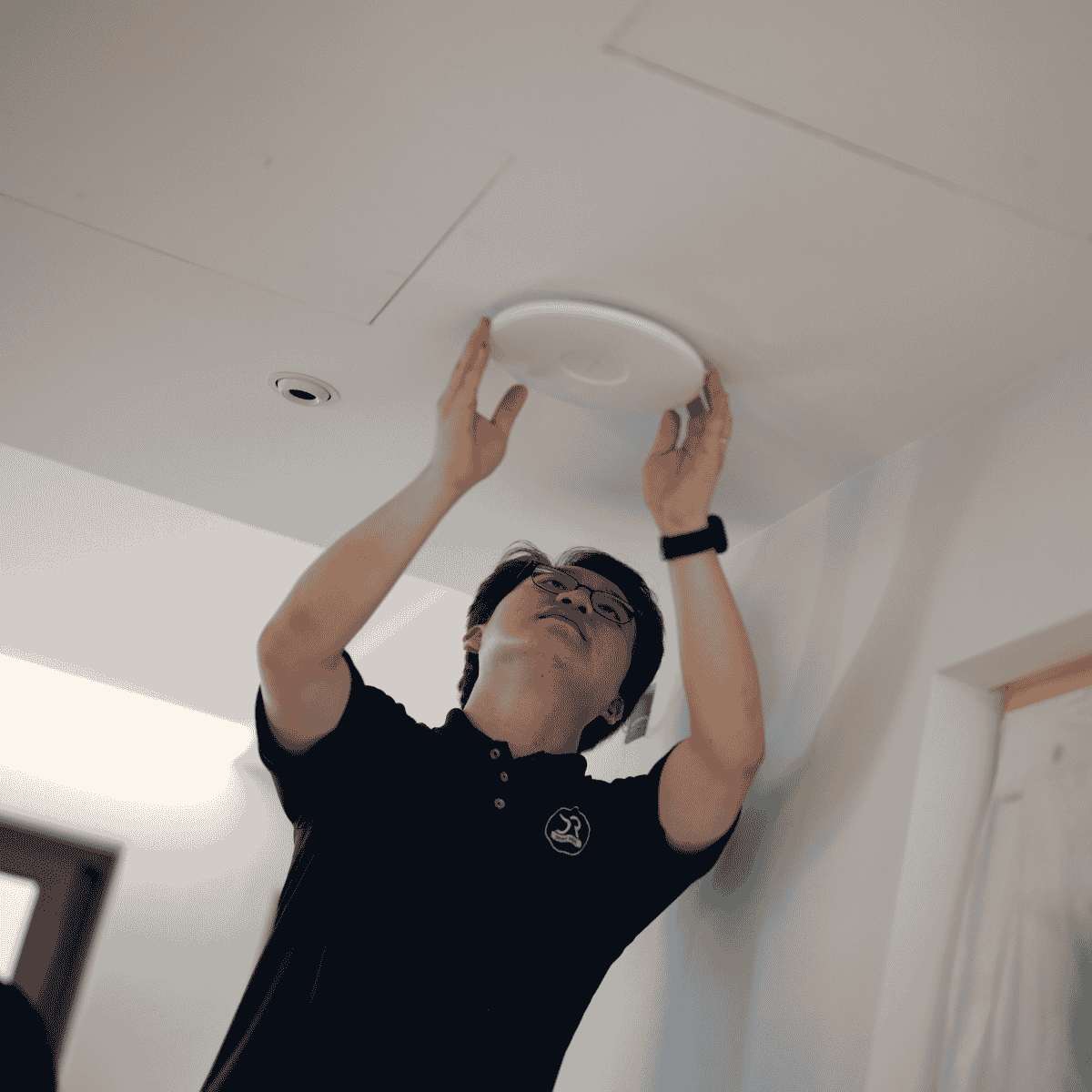

Full Coverage WiFi Setup
We design and deploy WiFi systems to eliminate dead zones using mesh and access point solutions, ensuring strong, stable, and seamless connectivity across your entire space.
WiFi Troubleshooting & Optimization
We diagnose and resolve slow speeds, connection drops, and network issues with expert WiFi troubleshooting, optimizing performance for fast, stable, and reliable connectivity every day.
LAN Network Upgrade Solutions
We convert old telephone points into high-performance Data/LAN ports, improving wired network infrastructure to deliver faster, more stable, and reliable connectivity for all your devices.
Our Work Process:
Consultation
We assess your needs and recommend the right CCTV system for smart, real-time security.
Diagnosis
We identify security gaps and map optimal camera placement for full coverage.
Problem Identification
We install and configure your CCTV system for reliable, high-performance protection.

Resolution
We test live view, remote access, and alerts to ensure smooth 24/7 monitoring.

Testing & Confirmation
We test live view, remote access, and alerts to ensure smooth 24/7 monitoring.
Experience WiFi the Way It Should Be.
Stronger Coverage
Fast Performance
Reliable Connections
WiFi Troubleshooting FAQ: Common Issues and How to Fix Them
Why Does My WiFi Keep Disconnecting
There are many reasons why your WiFi isn’t working as intended, but the easiest fix is to simply restart your WiFi router. If the issue still persists, you can contact us at DR WiFi and set an appointment for us to fix your WiFi issue!
Can Nearby WiFi Networks Cause Interference?
Yes, other WiFi networks can interfere with your own, but this could be remedied by changing the channel of your network. If you’re unsure on how to do this, dont hesitate to contact us at DR WiFi for assistance.
Can Too Many Devices Slow Down My WiFi?
Yes, having multiple devices on your WiFi can impact speed, particularly when running multiple data-intensive applications at the same time. At DR WiFi, we can recommend optimal settings to help manage bandwidth more effectively or suggest upgrades for better performance with high device loads.
Why can’t I connect to my WiFi?
Try pressing on forget network on your device and reconnect to the intended WiFi, if that doesn’t work, try restarting your WiFi and retry forget network on your device again.
How to Extend WiFi Network Range?
Yes, through the use of WiFi extenders or Mesh WiFi, you can extend the range of your WiFi, Contact us at DR WiFi to find out more!
Why Can’t I Find My Wireless Network?
If you can’t find your wireless network, try these steps:
1. Check if the router is powered on
2. Restart the router.
3. Ensure WiFi is enabled on your device
4. Move closer to the router
5. Check if the network is hidden
If the network still doesn’t appear then contact us at DR WIFI for assistance.
Does Distance From WiFi Really Matters?
Yes, the further your device is from your router, the weaker the connection gets, which slows down your internet speed
Why Is My WiFi Speed Different on Devices?
Devices have varying WiFi capabilities, and factors like device age, distance from the router, interference, anthena and chipset uses by the device can all affect speed. For consistent speed, try positioning the router in a central location and consider using the 5 GHz band if supported by your device or drop us a message for troubleshooting!