
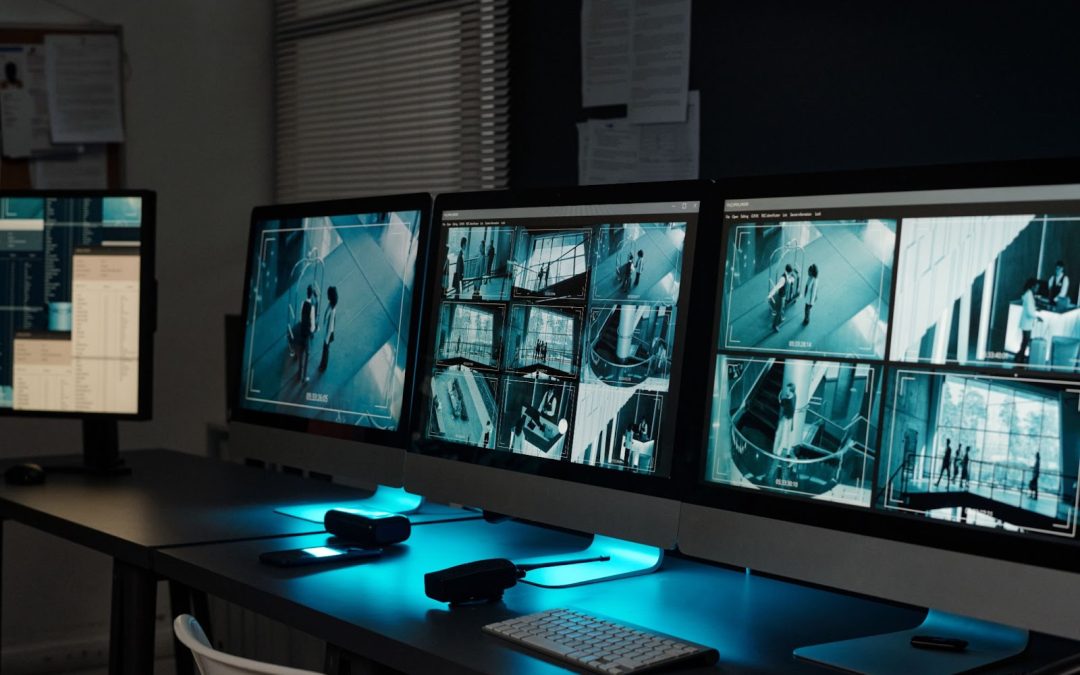
If you have just installed CCTV systems in your home here in Singapore, one question that always pops up in mind is “what if something happened today, will i still be able to see the footage in two weeks from now?
Well the short answer to this is usually between 7 to 30 days, however with different factors like your hard drive size, the video resolution you choose, and whether you record 24/7 or only when there’s movement, this can change.
There in this guide we will help you to understand what controls your recording time and how you can make it last longer.
Need a CCTV installation service ?, contact Dr Wifi today for enquires
What Determines How Fast Your CCTV Fills Up?
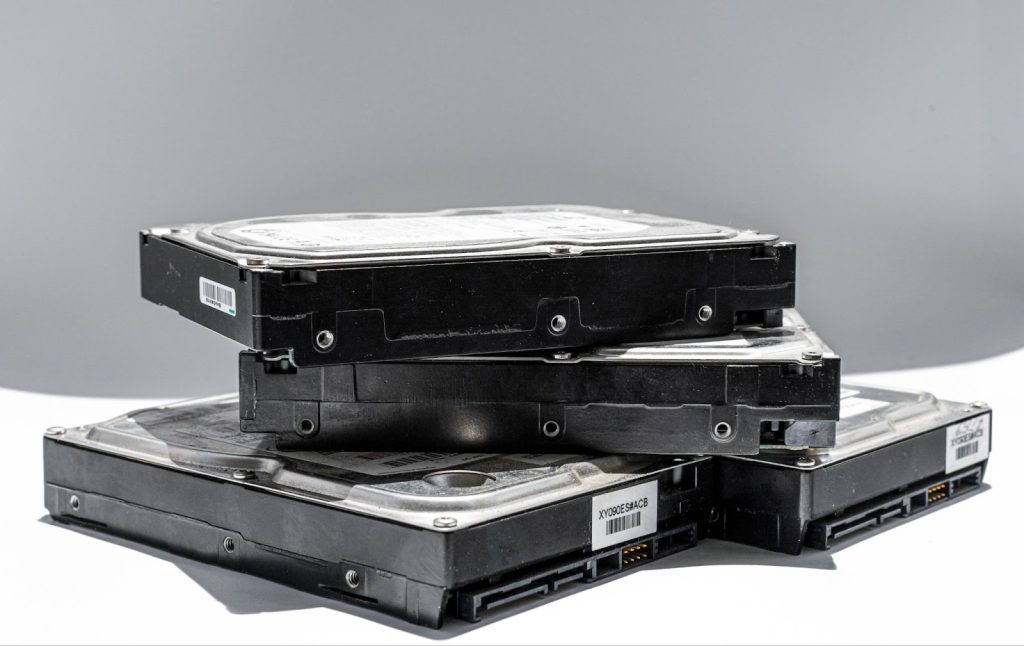
There are several technical factors that can dictate on how many days of footage your system can store before it needs to overwrite old files. Understanding these allows you to balance video quality with your storage needs.
1. Hard Drive Capacity (NVR/DVR Storage)
The foundation of your recording duration is the size of the hard drive installed in your Network Video Recorder (NVR).
- 1TB (Terabyte) – A standard entry-level size. For a 4-camera setup, this typically provides about 5 days of continuous recording.
- 4TB and above – this is usually for homeowners who travel frequently and requires a larger capacity store of more than a month worth of footage.
The general rule for this is as long as you add more cameras to your system, you will need more storage capacity.
2. Recording Configuration (Continuous vs Motion)
Most home CCTV systems offer two main ways to record video. Choosing the right one is the most effective way to manage your storage space and ensure you have the footage you need.
- Continuous Recording (24/7): As the name suggests, the system records every single second of the day, regardless of whether there is activity or not.
- Why it’s good: This is the most reliable option because it ensures you never miss a single moment. It’s perfect for high-security areas like your main entrance.
- The downside: Because it never stops, it consumes your hard drive space at a very high rate. A small hard drive might only hold a few days of footage on this setting.
- Motion-Triggered Recording: The system stays in “standby” mode and only starts saving video when the camera detects movement.
- Why it’s good: This is a massive space-saver. It can extend your storage life by 3 to 4 times because you aren’t recording hours of an empty corridor or a still living room.
3. Video Resolution (Image Quality)
The clarity of your video has a direct impact on how quickly your storage fills up. High-definition video contains more data, which leads to larger file sizes.
- 1080p (Full HD) – This is the standard for most Singapore HDB flats and condominiums. It provides enough detail to recognize faces and license plates while keeping file sizes manageable.
- 4K (Ultra HD) – 4K offers incredible clarity but the files are much bigger. If your cameras are set to 4K, your hard drive will fill up significantly faster than a standard system.
4. Compression Technology (H.264 vs H.265)
Compression is the technology your system uses to “shrink” video files so they take up less space on your hard drive.
Most modern systems in Singapore now use H.265 (also known as HEVC). This is the current professional standard and is significantly more efficient than the older H.264 format.
| Feature | H.264 (Older Standard) | H.265 (Modern Standard) |
| Storage Efficiency | Standard | 50% More Efficient |
| Storage Space Used | High (Fills up fast) | Low (Saves 50% space) |
| Recording Duration | Standard (up to 7 days) | Double (up to 14 days) |
| Internet Data Usage | Uses more bandwidth | Smoother remote viewing |
| Video Quality | Good | Excellent (even at low data) |
Does CCTV Automatically Delete Old Footage?
Yes. Once the hard drive reaches its full capacity, the system does not stop recording. Instead, it automatically begins overwriting the oldest recorded day to make room for the newest video.
Note – It is vital to manually save or “export” any important clips to your phone or a computer as soon as an incident occurs. Once the system “loops” over that date, the footage is permanently erased and cannot be recovered.
Tips On How To Get More Days Out Of Your CCTV
If you find that your security system is deleting videos too quickly, you don’t always need to buy a larger hard drive. Often, just tweaking a few settings can make a huge difference in how many days of footage you can keep.
Here are the most effective ways to extend your recording time:
- Lower the Frame Rate (FPS) – Most homes don’t need movie-quality speed. Reducing your frame rate to 15 FPS keeps the video smooth while saving a lot of storage space.
- Optimise the Bitrate – Switch your settings to Variable Bitrate (VBR). This allows the camera to use less data when the area is quiet and more data only when it detects movement.
- Check Your Compression (H.265) – Ensure your system is using H.265 (HEVC). This modern technology shrinks video files by 50% without losing quality, effectively doubling your recording days.
Conclusions
Overall, most Singapore homeowners can expect their CCTV footage to last between 7 to 30 days. However, the exact duration depends entirely on how your system is configured.
By choosing the right recording modes and optimizing your network, you can ensure that your home stays protected and that your footage is always there when you need it.
Get a Professional CCTV Setup Today
Don’t leave your security to chance. A professional setup by Dr WiFi ensures your cameras record reliably, store footage efficiently, and stay secure.
Contact Dr WiFi for expert home CCTV installation and configuration in Singapore